Natural language searching for Errors and Insights
Honeybadger's error search and BadgerQL can answer almost any question about your errors and events, but only if you know the syntax. That's fine when you use them every day. It's less fine when you're back after two weeks and can't remember whether you want occurred.after or last_occurred.before.
Now you can skip the syntax and describe what you want instead. Our new natural language search translates plain-English descriptions into error filters and BadgerQL queries.
Searching in Errors
Click the lightbulb icon next to the search box on the errors page, describe what you're looking for, like "unresolved production errors from the last 24 hours that have comments”, and click Translate. Honeybadger writes the query, drops it into the search bar, and runs it.
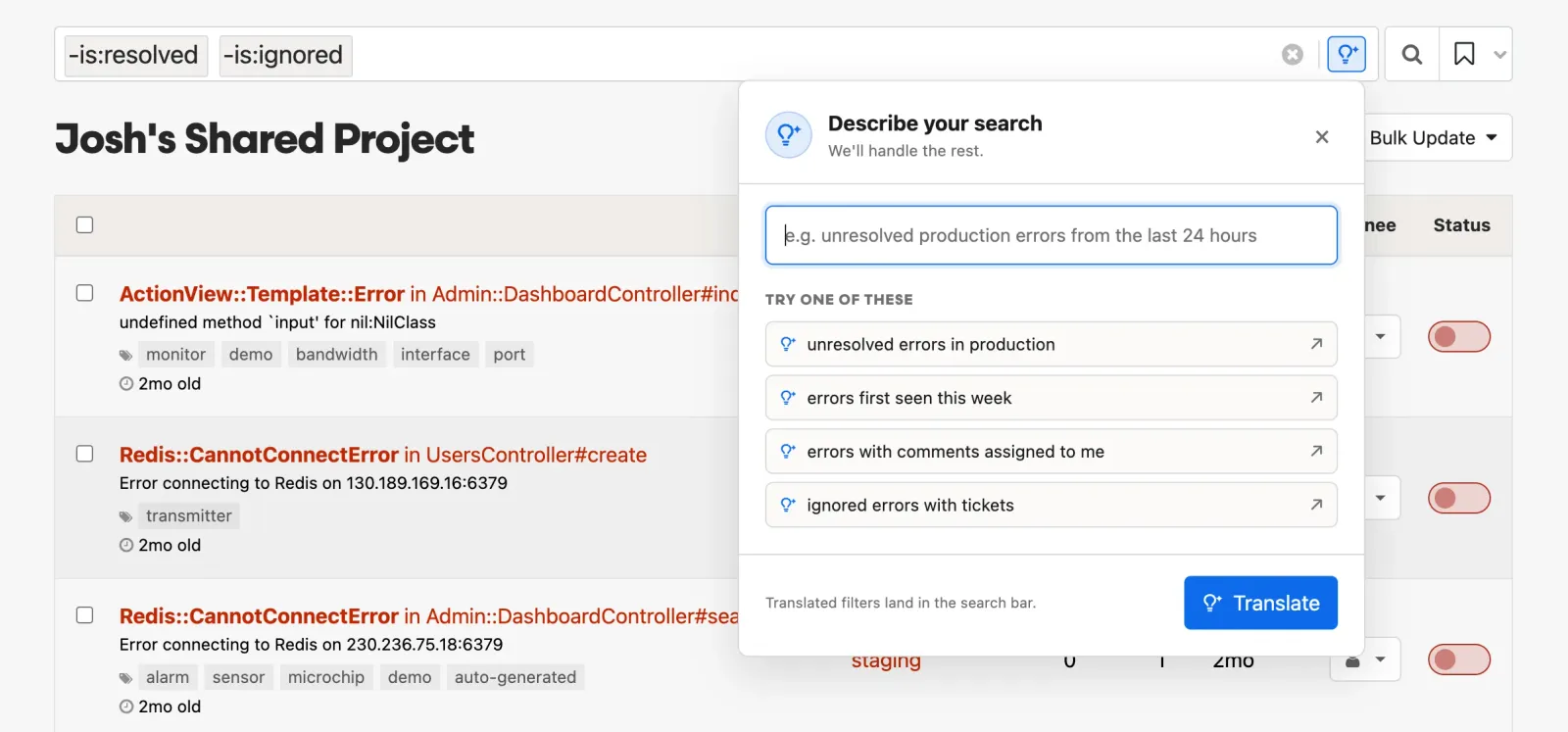
The translation lands as a normal search, not as a black box. You can edit it by hand or refine it with another description — the translator uses your current query as context, so "only the ones assigned to me" does what you'd expect. It's also a good way to learn the search syntax: describe what you want, then see how it's written.
Searching in Insights
The same idea works in Insights. Click the lightbulb next to the query box, describe the data you want to see, and Honeybadger writes the BadgerQL for you.
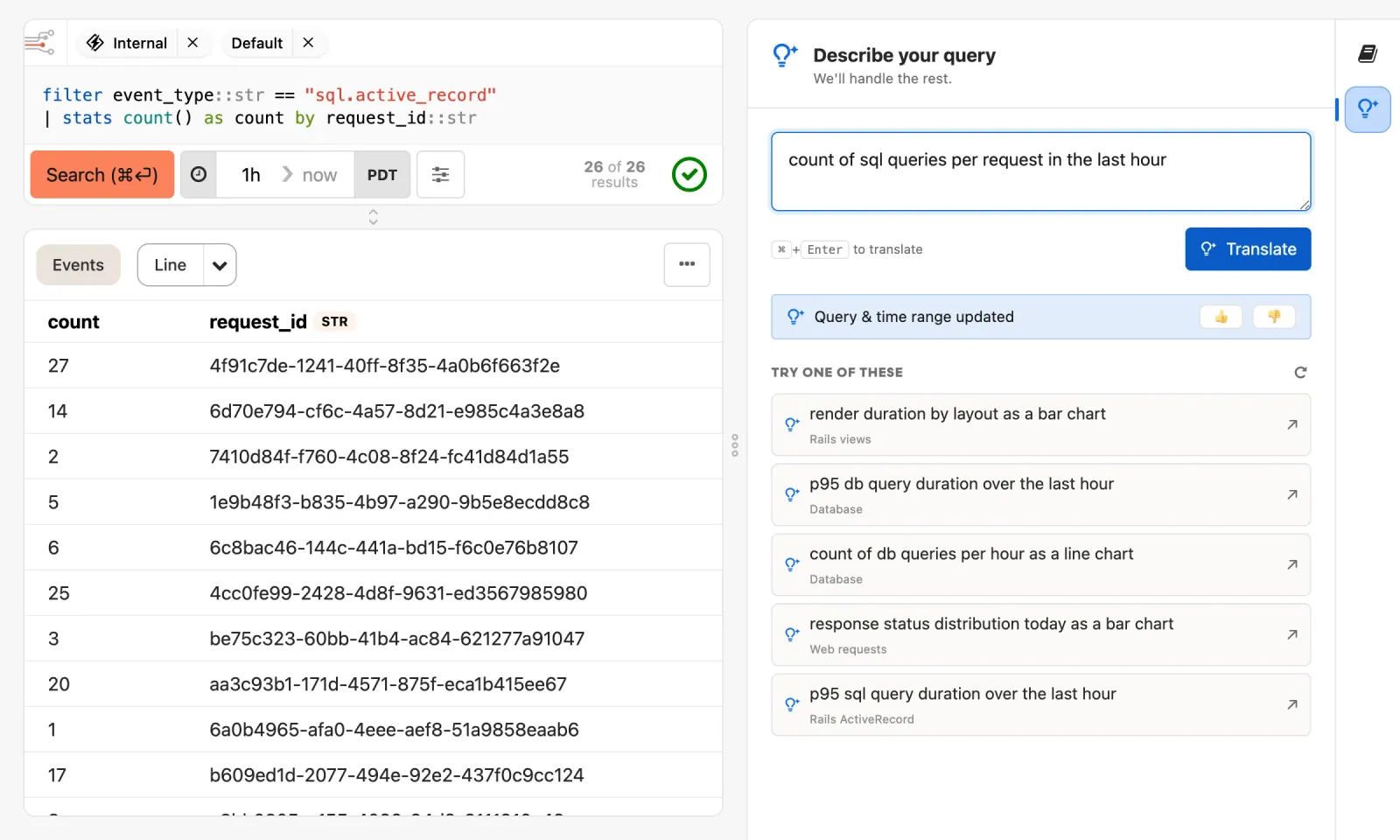
Descriptions can go beyond filters. Ask for "average response time by controller over the last hour as a line chart”, and the translator builds the query, sets the time range, and picks the visualization.
A few things worth knowing
- Your descriptions aren't stored. We don't keep what you type in the panel, and self-references like "assigned to me" resolve on our servers.
- It's an LLM, so it won't always get it right. When a translation misses, the query is right there to fix by hand — and we'd like to hear about it via the feedback thumbs in Insights or support@honeybadger.io.
Natural language search is available now on all Honeybadger accounts, with nothing to set up. See the error search docs and Insights docs to learn more.
Try Honeybadger for FREE
Honeybadger is full-stack application monitoring that helps developers move fast and fix things. Get set up in minutes and check monitoring off your to-do list.
Easy 5-minute setup — No credit card required