Archive Insights data in S3-compatible object storage
As of June 2026, this feature is in beta.
If you need to keep your Insights data longer than Honeybadger stores it, Business and Enterprise accounts can now replicate data to third-party archive destinations such as Amazon S3 or Cloudflare R2.
Setup is simple:
- Create an S3-compatible bucket with any of our supported services.
- Export credentials with write-only access to that bucket.
- Create a new archive destination in Account Settings pointing to that bucket.
- Attach an Insights stream to the archive destination.
Events from Insights will now flow to the archive destination.
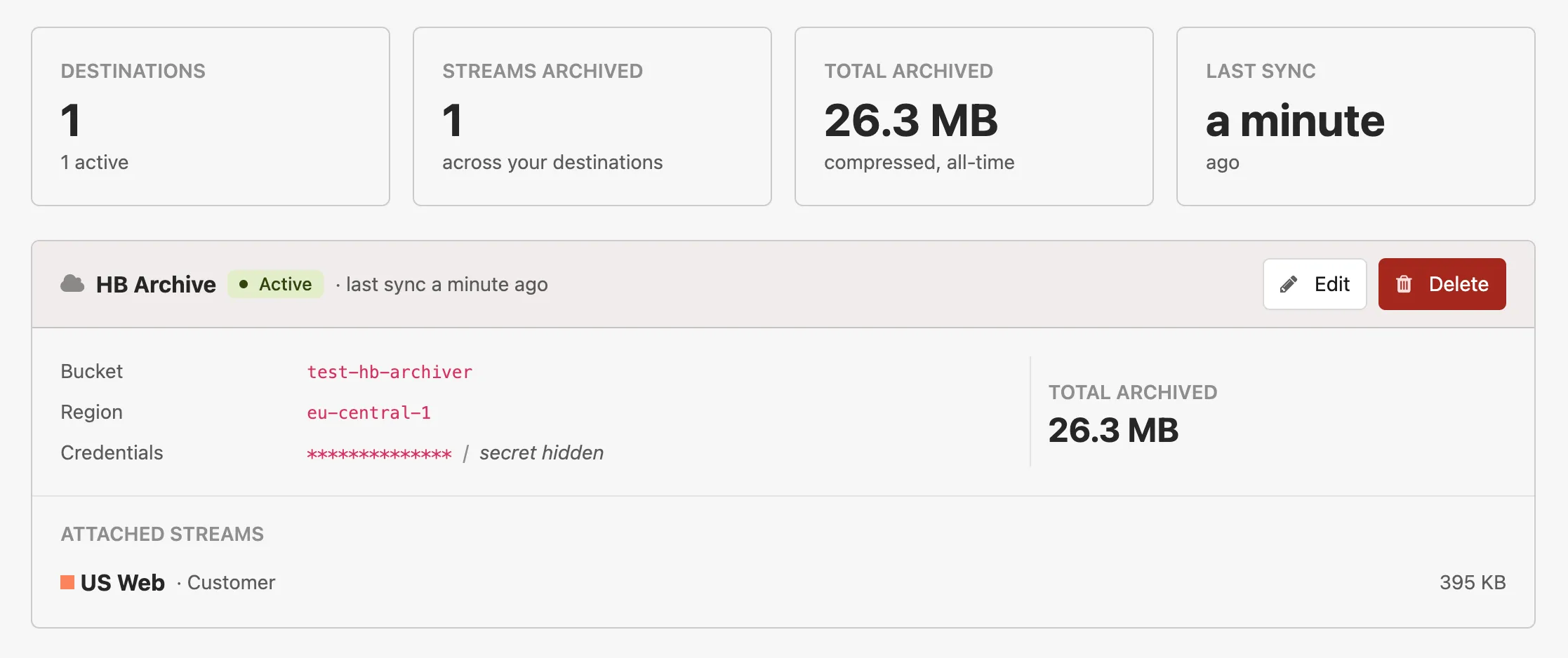
Here are a few additional details:
- We automatically retry uploads after transient failures or downtime. If a destination keeps failing or encounters an unrecoverable error, it's marked errored and we’ll email you to let you know.
- To keep S3 costs down, we store periodically batched events in a compressed file, which saves space and S3 PUT request counts.
- Only the events that flow through your Insights streams are replicated. Detailed error data such as backtraces, breadcrumbs, and environment variables is not included.
See the guide on the archive destinations documentation page to learn more.
Try Honeybadger for FREE
Honeybadger is full-stack application monitoring that helps developers move fast and fix things. Get set up in minutes and check monitoring off your to-do list.
Easy 5-minute setup — No credit card required