OAuth support for MCP servers and EU self-hosting
We’ve updated our MCP server, so now you don’t have to futz with Docker to host it yourself. Our hosted MCP server supports OAuth, so you can connect an agent by approving access in your browser instead of copying and pasting a credential into a config file.
What's new:
- Browser-based consent. The first time a client connects, you'll be prompted to pick an account and choose read-only or read-write access.
- Scoped to a single account. Access is always a subset of your own permissions in one of your accounts.
- Short-lived, auto-refreshing tokens. Access tokens expire quickly and refresh automatically in the background, so there's no long-lived secret sitting in a config file.
- Revoke anytime. See every app connected to your account from User Settings → API Access, or, if you're an admin, review and revoke any team member's connections from Account Settings → API Access.
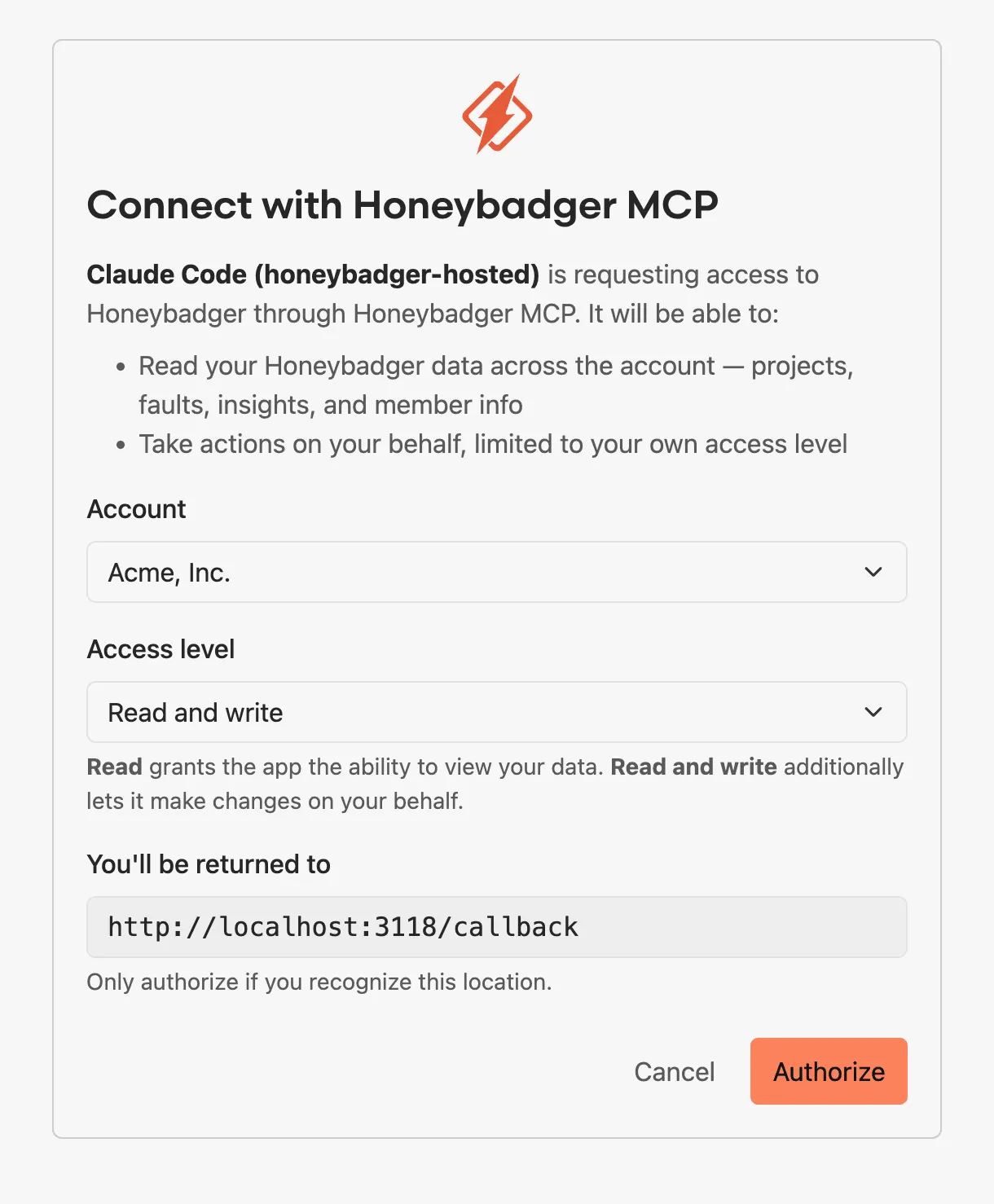
Getting started
For the hosted server, add the endpoint to your client and approve the prompt in your browser — no local install or token required.
Claude Code:
claude mcp add --transport http honeybadger "https://mcp.honeybadger.io/mcp"
Cursor, Windsurf, and Claude Desktop use a JSON config:
json
{
  "mcpServers": {
    "honeybadger": {
      "url": "https://mcp.honeybadger.io/mcp"
    }
  }
}
VS Code has its own CLI equivalent:
code --add-mcp '{"name":"honeybadger","type":"http","url":"https://mcp.honeybadger.io/mcp"}'
EU accounts should use https://eu-mcp.honeybadger.io/mcp instead.
EU support for self-hosted servers
If you run the MCP server yourself via Docker, it now supports EU-region accounts too. Set HONEYBADGER_API_URL to your EU endpoint and use a personal auth token from your EU user settings.
US and EU tokens aren't interchangeable, so make sure you're using the right one for the region you're connecting to. You can also run a US and an EU server side by side if you need both.
Full setup instructions, including self-hosted setup, are in the MCP documentation.
Try Honeybadger for FREE
Honeybadger is full-stack application monitoring that helps developers move fast and fix things. Get set up in minutes and check monitoring off your to-do list.
Easy 5-minute setup — No credit card required