Comment improvements: @-mentions, markdown linking, and permalinks
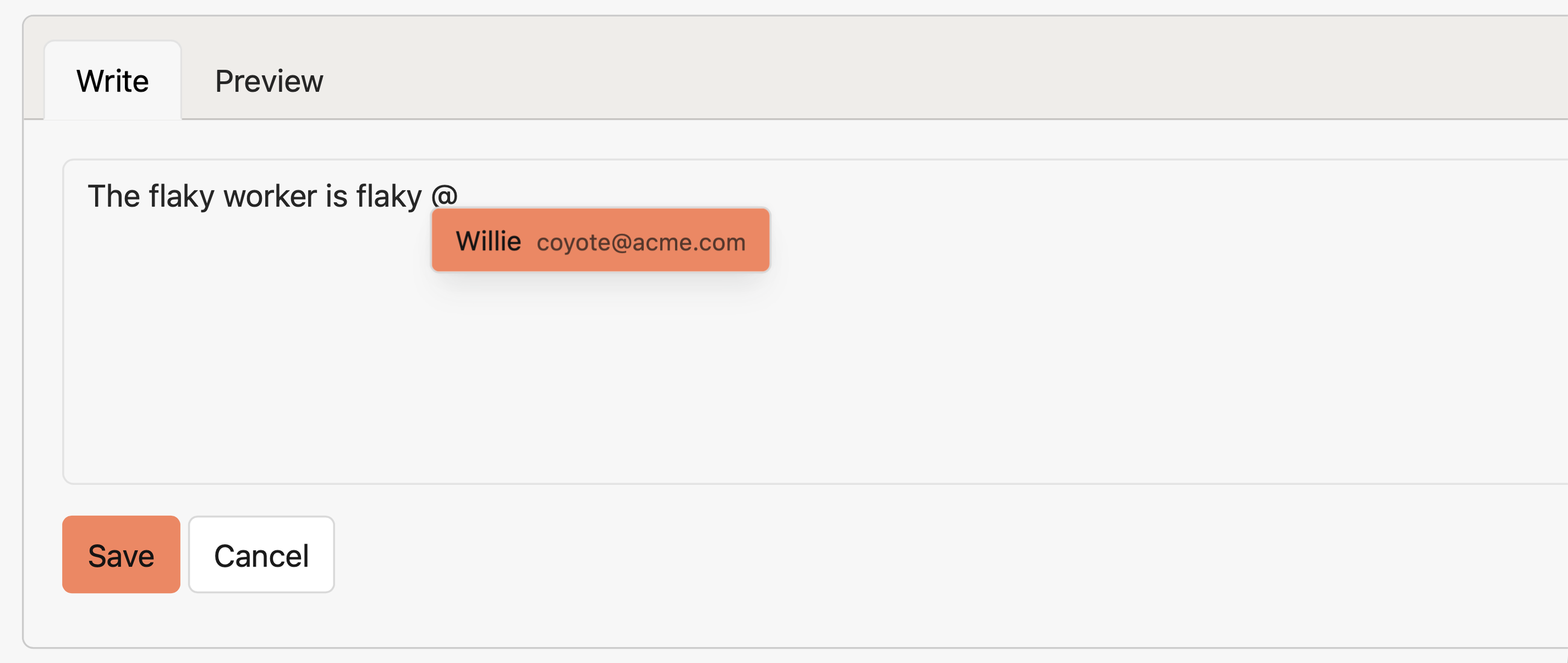
Want to make sure a teammate sees an issue? When adding comments to errors, you can now tag other project members by typing “@” and completing the user’s name. When you submit the comment, anyone you mention will receive a notification in their preferred channel.
We also made a few more quality of life improvements:
- Posting links in comments is cleaner now. Pasting a link over highlighted text will turn the text into a formatted markdown link after submission.
- Comment timestamps on an error page now link to that comment and can be clicked through.
For more, check out the documentation on how issues support comments.
Try Honeybadger for FREE
Honeybadger is full-stack application monitoring that helps developers move fast and fix things. Get set up in minutes and check monitoring off your to-do list.
Easy 5-minute setup — No credit card required