Connect Claude to Honeybadger in a few clicks
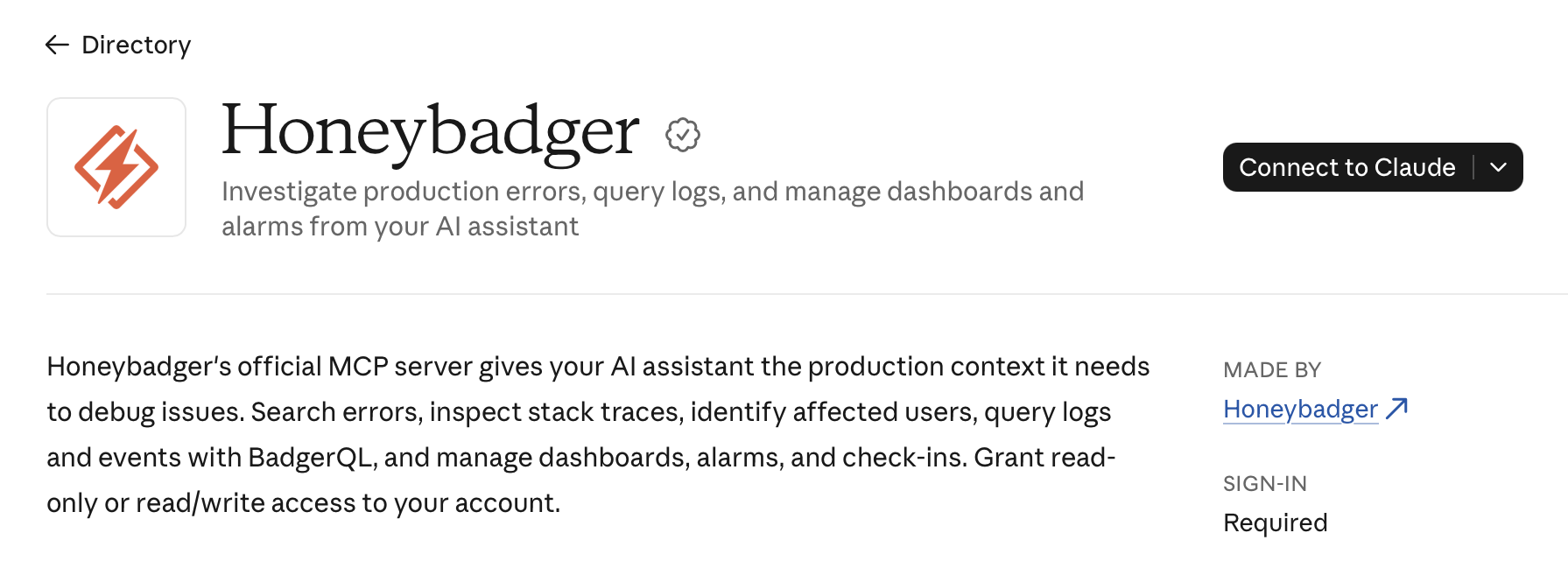
Honeybadger is now in Claude's connector directory. Instead of copying stack traces into the chat, ask Claude what's failing. It can look up errors, check your logs, and help you track down the cause.
What you can ask Claude to do
Claude can work with your errors, logs, dashboards, alarms, and more. For example:
- "What's causing the most errors in production this week?"
- "Query our logs for 500s from the last hour."
- "Build a dashboard for our checkout errors."
- "Alert us when 500s spike in production."
Setting it up
- Open the Honeybadger listing, or go to Customize → Connectors in Claude and browse the directory.
- Click Connect to Claude.
- Choose the region where your Honeybadger account is hosted, US or EU, and click Connect.
- Sign in to Honeybadger, pick an account, and choose Read only or Read and write access.
- Optionally, name the connection, then approve it.
On Claude Team and Enterprise, an Owner needs to add the connector to your organization first. Each person then signs in individually.
You control what Claude can access
- Claude works with your permissions. It's limited to the one Honeybadger account you pick, and it can only see and do what you can.
- Read-only means read-only. With read-only access, Claude doesn't get the tools that change data.
- Connections are easy to tell apart. Give a connection a name, such as "Claude on my laptop." It appears next to the app's name in your connection list. You can revoke a connection at any time under User Settings → API Access.
The connector works on every Honeybadger plan, including the free Developer plan, and it works with Claude Code, too. If the Honeybadger tools are missing there, run /mcp and connect your Honeybadger account.
To learn more about how Honeybadger's Claude connector works, see the MCP server docs.
Try Honeybadger for FREE
Honeybadger is full-stack application monitoring that helps developers move fast and fix things. Get set up in minutes and check monitoring off your to-do list.
Easy 5-minute setup — No credit card required