Edit Insights dashboard source as YAML
Insights dashboards now include an Edit Source option that lets you view and modify the entire dashboard configuration as YAML. This makes it easier to copy dashboards between projects, share configurations with teammates, or make bulk changes without clicking through the UI.
The editor validates your YAML against a schema and displays helpful error messages if something's wrong. Stream IDs are translated to human-readable names in the source, so you can copy configurations between projects without manually updating IDs.
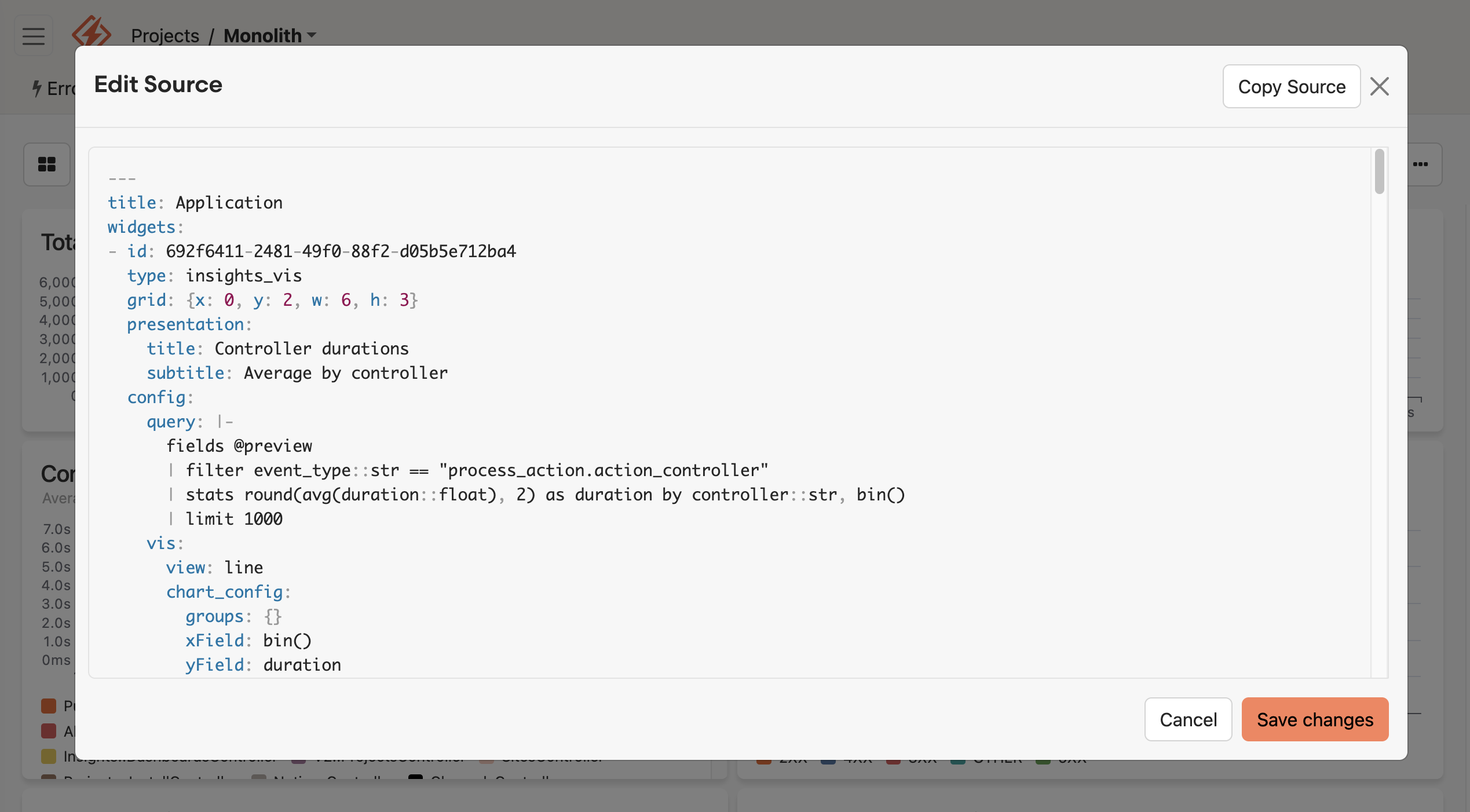
Here's how to try it:
- Navigate to the Dashboards tab in your Honeybadger project
- Click the ... dropdown menu on any dashboard
- Select Edit source to open the YAML editor
Check out the Insights dashboards documentation to learn more.
Try Honeybadger for FREE
Honeybadger is full-stack application monitoring that helps developers move fast and fix things. Get set up in minutes and check monitoring off your to-do list.
Easy 5-minute setup — No credit card required