Everything you need to know about Ruby 4.0
Ruby 4.0 is a major release, launched on Ruby’s 30th anniversary (December 25, 2025) to celebrate three decades of the community, not due to major breaking changes.
I was surprised to learn that Ruby doesn’t actually follow semantic versioning!
Instead, Matz (Ruby’s creator) increases the major version when changes impress him. This version marks 30 years of Ruby and introduces features to extend the language.
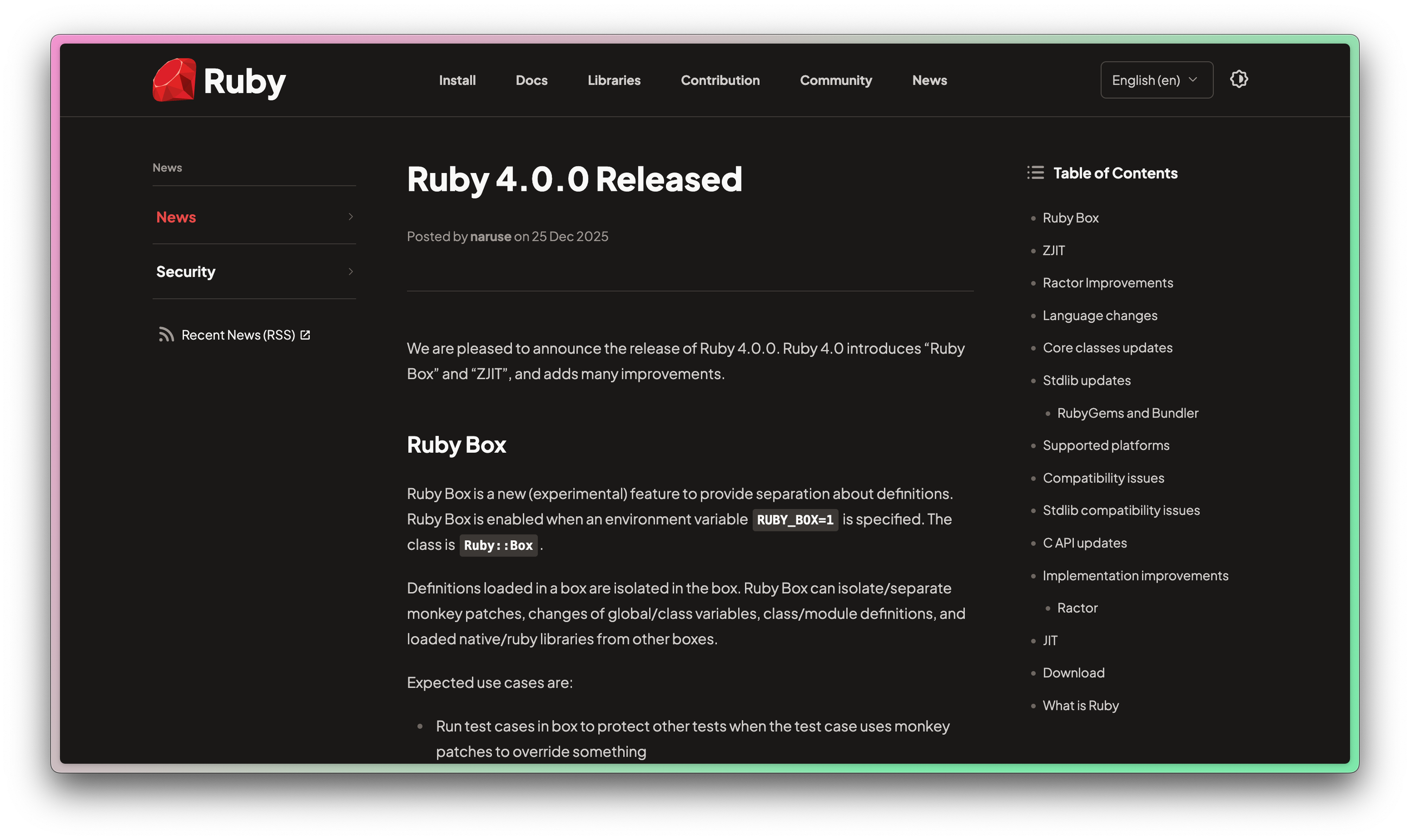
The good news for Rubyists upgrading to Ruby 4 is that upgrading should be relatively painless. There are some new features like Ruby::Box and ZJIT, some improvements to concurrency, and a few other refinements that are mostly backwards-compatible.
Let’s dive in and see what changed in Ruby 4—and how you can upgrade smoothly.
What is Ruby::Box?
One of Ruby 4.0’s most interesting experimental features is Ruby::Box, which introduces isolated namespaces or “containers” (not to be confused with Docker containers) inside Ruby processes.
It’s essentially a way to spin off an isolated Ruby world within your Ruby process. When you create a new Ruby::Box, any classes, modules, global variables, constants, or even C extensions you load inside that Box are confined to it.
It's like lightweight virtualization at the language level, where each Box has its own state and won’t leak definitions into other Boxes or the main environment.
Because it’s experimental, you might hit rough edges or instability. Performance overhead is a consideration. Isolating things isn’t free, so the core team has intentionally made it opt-in.
As of Ruby 4.0, Boxes are not intended to provide true parallel execution immediately. They lay a foundation for smarter code loading and could evolve into something more meaningful. I'm excited to see Ruby evolve in such an interesting way. If you want to use Ruby Box, you'll have to enable the evironment variable first:
RUBY_BOX=1
Why ZJIT matters
Ruby 4.0 introduces ZJIT, a brand-new Just-In-Time compiler, developed as a successor to YJIT. If you’re keeping count, MRI now has two JIT compilers. ZJIT is different from YJIT, and they're being developed in parallel. If you're already using YJIT, you don't have to switch.
YJIT Recap
YJIT (“Yet Another JIT”) was built by Shopify and introduced in Ruby 3.1. It uses a Lazy Basic Block Versioning approach—compiling small chunks of code (basic blocks) on the fly and specializing them based on runtime types.
YJIT has proven to significantly speed up many Ruby apps while being relatively easy to add. It’s written in Rust and has been the default/primary JIT in recent Ruby versions.
How ZJIT is different
ZJIT takes a more traditional method-based JIT strategy. Instead of compiling tiny blocks piecemeal, ZJIT compiles larger units (entire methods or larger code chunks) using an SSA (Static Single Assignment) intermediate representation and a more conventional compiler pipeline.
It’s designed a bit more like a “textbook” JIT compiler, which should make it easier for contributors to understand and improve.
The Ruby core team explicitly states their two goals with ZJIT are to raise Ruby’s long-term performance ceiling (by enabling more advanced optimizations than YJIT can do) and make the JIT more hackable by the community.
Enabling ZJIT in Ruby 4.0
ZJIT is available but not enabled by default in Ruby 4.0.
To try it, you need to build Ruby with Rust 1.85 or higher installed on your system. While the JIT code is part of the Ruby binary, Rust is required to build it. Then, you can run Ruby with the '--zjit' flag to use ZJIT.
If you leave JIT at default, you’re still benefiting from YJIT (which itself keeps improving). If you were using the --rjit flag, you'll notice it has been removed in this release.
Ruby 4 has some improvements to Ractors
Ruby 3.0 introduced Ractors, an experimental feature for parallelism. Ractors allow running multiple Ruby interpreters (the part of the system that executes your code) in a single process to work around the GIL (Global Interpreter Lock), which usually restricts Ruby to a single thread at a time. While I've never used Ractors, the continued investment in them is a clear sign they're important to Ruby's future.
In Ruby 4.0, Ractors are still marked experimental, but they’ve gotten some major improvements and API changes to move them closer to mainstream usability.
If you have used Ractors, you know that sending and receiving messages has been a bit clunky. Ruby 4.0 replaces the existing API with a more robust Ractor::Port mechanism. A Ractor::Port is essentially a pipe or channel that Ractors can use to exchange values. Each Ractor now has a default port (Ractor.current.default_port), and you can also create custom Port objects and pass them around.
The changes to Ractors also means there are some breaking changes. Most notably, Ractor.yield and Ractor#take were removed.
Under the hood, Ruby 4.0’s Ractor implementation has been tuned for better performance and safety. They reduced shared state between Ractors. Less shared state between Ractors means a lower chance of accidentally breaking isolation and better CPU cache utilization on multi-core systems.
Ractors should scale better and run faster now, though they’re still not as widely used as threads or processes.
*.nil changes in Ruby 4
Splatting nil no longer calls nil.to_a in Ruby 4.0.
In older Ruby versions, doing something like arr = [*nil] would call nil.to_a behind the scenes (which returns []), so you’d get an empty array. This was a bit magical and inconsistent (why does *nil behave like an empty array?).
In Ruby 4.0, this weird behavior is gone. Using the splat (*) on nil will not invoke to_a. It’s essentially treated as “nothing to splat.” This change makes it consistent with how the double-splat **nil doesn’t call nil.to_hash, which was introduced in Ruby 3.4.
Logical operators at the beginning of a line in Ruby 4
This is a rather small syntax improvement that will make many Rubyists smile!
You can now put &&, ||, and, or or at the beginning of a line to continue a boolean expression from the previous line. For example, you can write:
if user_signed_in?
  && user.admin?
  && feature_enabled?
  perform_admin_task
end
This is the same as
if user_signed_in? &&
 user.admin? &&
 feature_enabled?
  perform_admin_task
end
It's a bit weird to me that these weren't already the same, so I'm happy for this update.
Some class updates in Ruby 4
Ruby 4.0 also ships with some smaller changes and improvements to the core classes.
First, the Set class is now a built-in core class, meaning you can use it without a require 'set'. This comes with the removal of set/sorted_set.rb.
The same is now true of Pathname, which was promoted to core class.
There's also some new Array methods! This release improves the performance of Array#find, which searches arrays more intelligently than a simple linear search. We also got the introduction of Array#rfind - that's not a typo! This method finds the last element matching the condition in the array.
Ruby 4 also added some new math methods, introspection control, Enumerator improvements, and more! You should absolutely check out the official docs for a full list of improvements.
How to upgrade to Ruby 4
Upgrading a Ruby version in a production app should always be done with care, but if you’re coming from Ruby 3.4, this should be one of the easier upgrades you’ve experienced.
Here are some tips to ensure a safe transition:
Release notes
First, read the official release notes! Double-check for official deprecation notices. There shouldn't be any surprises here. Ruby 3.4 should have warned you of any upcoming deprecations.
Deprecation warnings
If you did ignore deprecation warnings from your Ruby interpreter, address those before any update to the language.
Baseline tests
Next, be sure you have good tests. This will help you build confidence that your app's behavior hasn't changed. If you don't have any tests, now is a great time to make the investment in tests to at least cover your critical paths.
Update bundler
It's a good idea to update bundler next. Once you're on the latest version, run bundle install and check for errors or warnings.
Increment your Ruby version
Now you can install and switch to the new version of Ruby. Ruby version managers like rbenv or asdf are popular in the Ruby world to control your local version. If your app runs in Docker, you'll want to update the Ruby version in the Dockerfile. If your app runs on some platform without Docker, you'll want to update your Ruby version there.
Upgrade to Ruby 4.0 in your Gemfile
Update your Ruby version in your Gemfile (if you have it locked with the ruby directive) and run bundle install one last time.
Run your tests
Finally, run your tests! If nothing is broken, be sure to run through important paths in your application to build even more confidence. Before you ship your upgrade, consider using an exception monitoring service like Honeybadger so that you actually know if your upgrade to Ruby 4 is causing any problems for users.
If you follow these steps, you should have a relatively pain-free experience staying up-to-date on the best that Ruby has to offer. When you run those tests, don't forget to wish Ruby a happy 30th birthday!

Written by
Jeffery MorhousJeff is a Software Engineer working in healthcare technology using Ruby on Rails, React, and plenty more tools. He loves making things that make life more interesting and learning as much he can on the way. In his spare time, he loves to play guitar, hike, and tinker with cars.